Practice Music Skills in One Place
The Music category brings together browser-based tools for learning theory, improving listening skills, reading notes, and practicing instruments. Users can explore chord progressions, train their ears, study scales and intervals, practice piano patterns, build guitar knowledge, and improve sight reading without installing extra software.
Choose the Right Music App
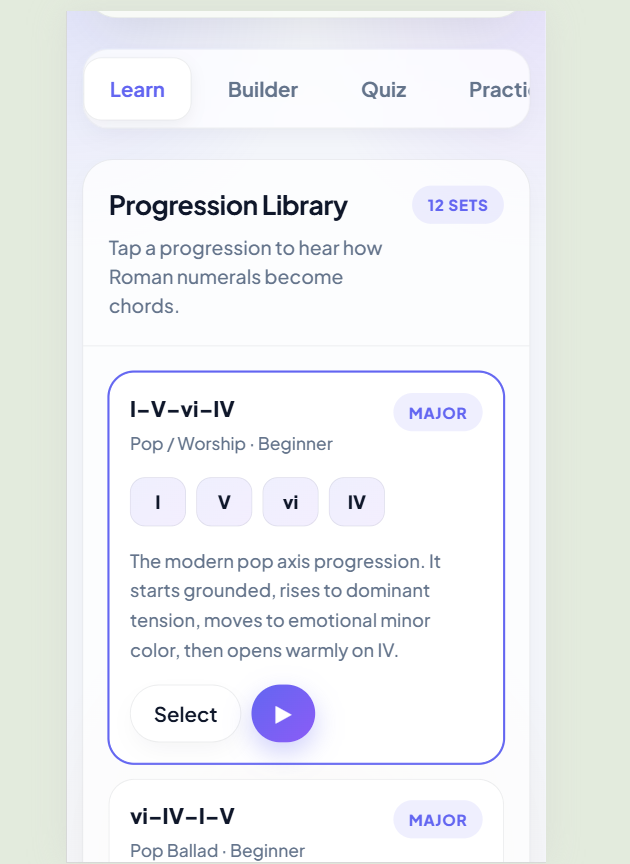
- Use Chord Progression Trainer to practice common progressions, Roman numerals, songwriting patterns, and custom chord sequences.
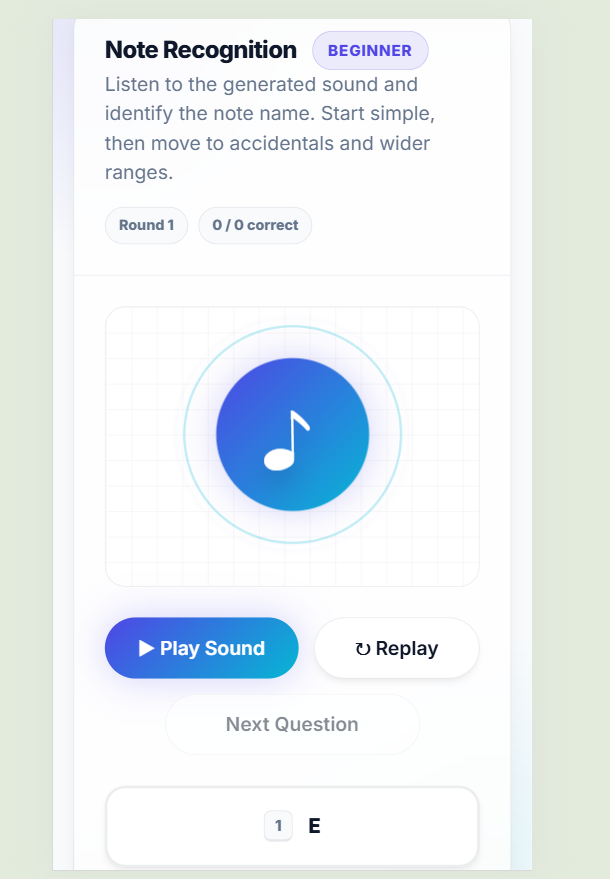
- Use Ear Training Coach to improve pitch recognition, interval listening, chord identification, note practice, and melody recall.
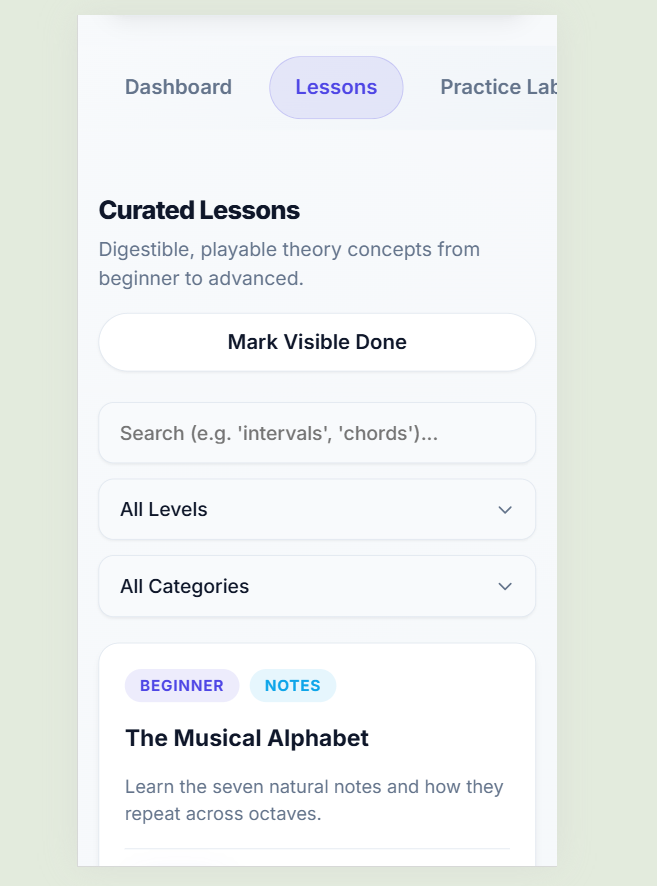
- Use Music Theory Lab to learn theory concepts with interactive lessons, playable tones, scale builders, chord builders, quizzes, and daily challenges.
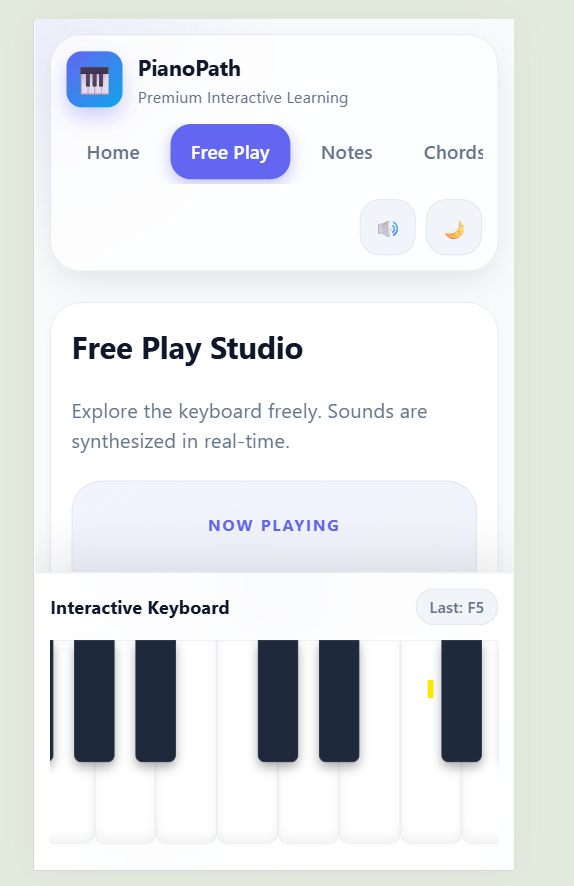
- Use Piano Master to practice notes, chords, scales, rhythm, songs, and keyboard skills on an interactive virtual piano.
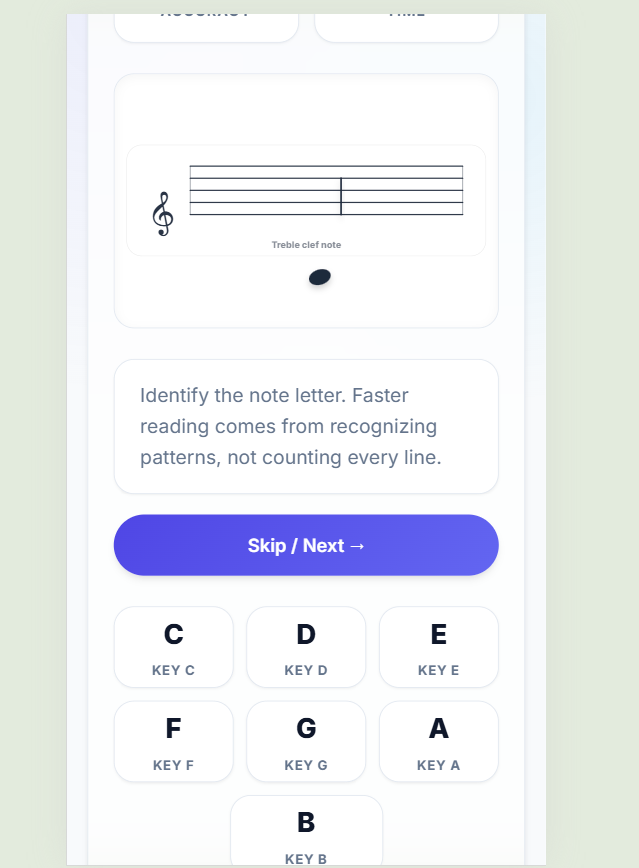
- Use Sight Reading Trainer to build faster note recognition across treble clef, bass clef, ledger lines, timed rounds, and keyboard mode.
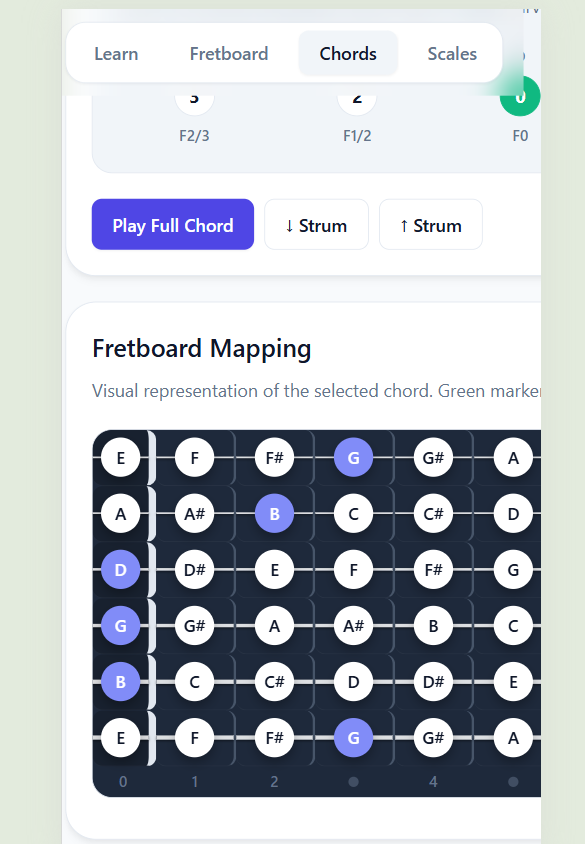
- Use Virtual Guitar Learning to explore the fretboard, learn chords, find notes, practice scales, and build simple strumming habits.
Practical Ways to Use These Tools
Beginners can start with note recognition, piano keys, guitar chord shapes, and simple theory lessons. Songwriters can use chord progression practice and Roman numeral tools to test musical ideas before writing melodies. Students can combine sight reading, ear training, and theory quizzes to prepare for music class, exams, or private lessons.
Build a Simple Practice Routine
For steady progress, choose one listening activity, one theory activity, and one instrument activity for each practice session. For example, a user might spend a few minutes on interval training, review scales in Music Theory Lab, then practice piano chords or guitar fretboard notes. Small daily sessions can make music learning feel more manageable and consistent.
Frequently Asked Questions
What can I learn from the Music category?
The Music category helps users practice music theory, ear training, sight reading, piano, guitar, chords, scales, intervals, and note recognition using simple browser-based tools.
Which music app should beginners start with?
Beginners can start with Music Theory Lab for basic concepts, Piano Master for keyboard practice, or Virtual Guitar Learning for fretboard, chord, and scale practice.
Can these tools help with ear training?
Yes. Ear Training Coach focuses on pitch recognition, notes, intervals, chords, pitch direction, and short melody practice. Some other apps also include listening and playable tone exercises.
Is there a tool for practicing sheet music reading?
Yes. Sight Reading Trainer helps users practice treble clef, bass clef, ledger-line notes, timed rounds, note buttons, keyboard mode, accuracy, score, and streak tracking.
Can songwriters use these music tools?
Yes. Chord Progression Trainer is useful for exploring chord patterns, Roman numerals, custom progressions, and songwriting ideas. Music Theory Lab can also help with scales, chords, and intervals.
Do I need to install software to use these music apps?
No. These are browser-based music learning tools, so users can practice online without installing a separate desktop program.