Learning Activities for Reading, Math, Creativity, and Discovery
The For Kids category brings together simple browser-based activities that help children practice important early learning skills. Kids can trace letters, hear alphabet words, read short stories, build spelling confidence, count objects, solve math questions, learn fractions, tell time, and practice money skills.
Children can also explore animals, planets, puzzles, music, shapes, and creative drawing. These apps are designed for quick practice sessions, classroom centers, homeschool activities, tutoring support, or calm screen-time learning at home.
How to Choose the Right Kids App
Start by choosing the skill your child needs to practice most. For early literacy, use alphabet, reading, and spelling tools. For number confidence, choose counting, math, fractions, time, or money activities. For creative play, try music, drawing, puzzles, and shape games.
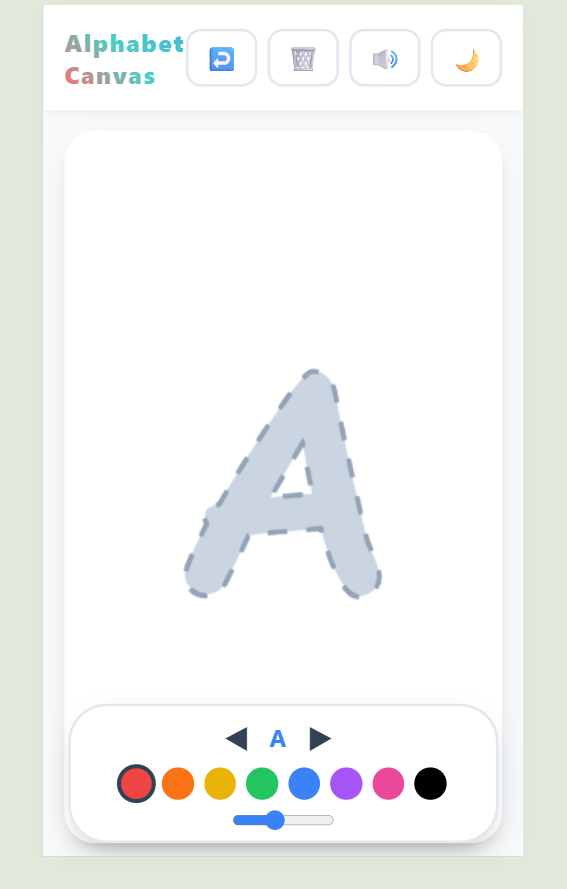
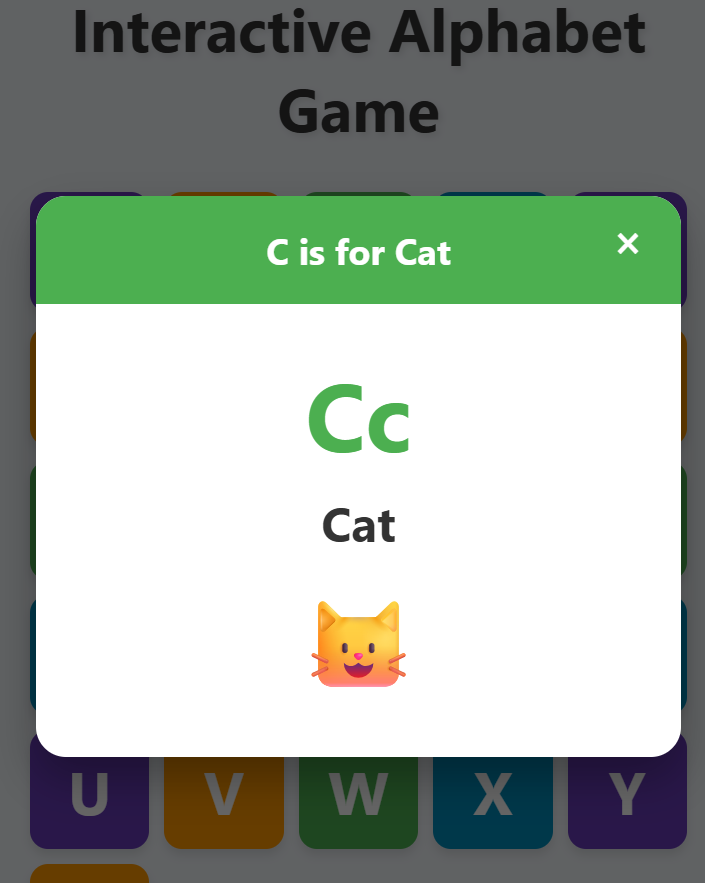
- Alphabet and handwriting: Use Alphabet Canvas or Interactive Alphabet Game for letter recognition, tracing, sounds, and A to Z practice.
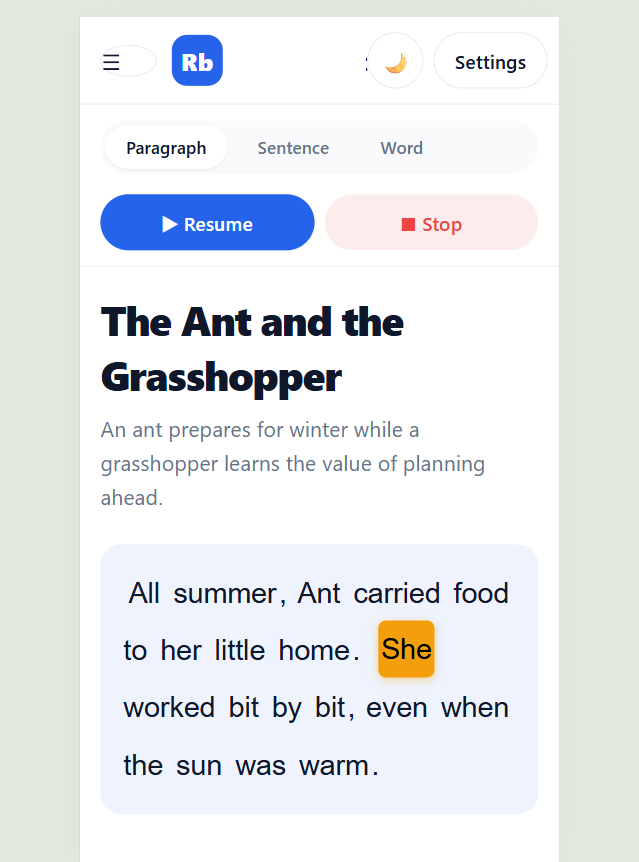
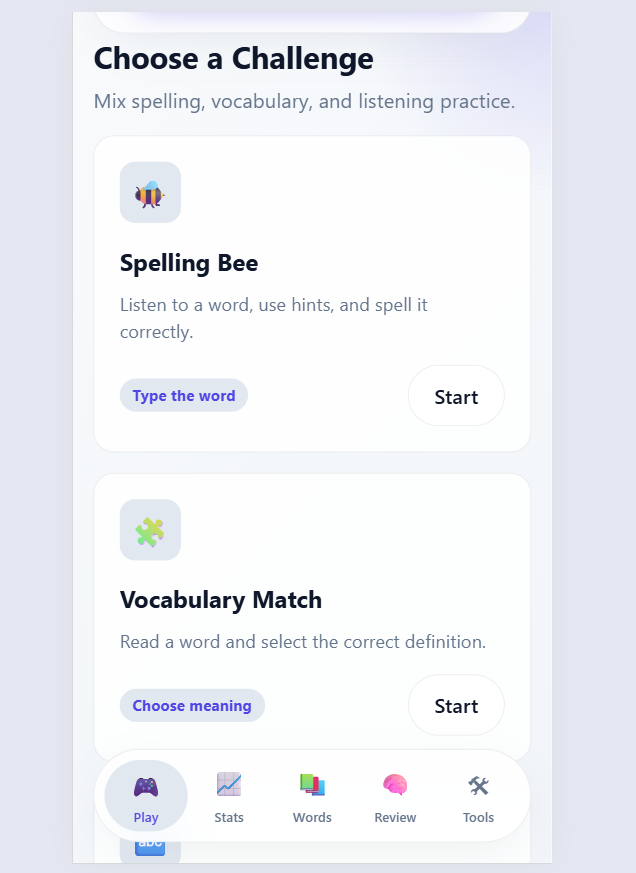
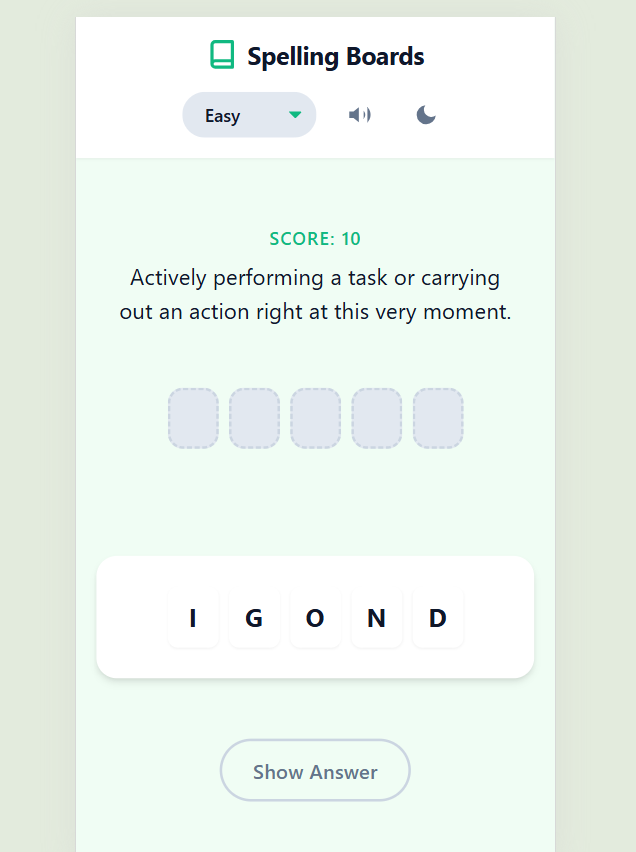
- Reading and spelling: Use Little Reading Buddy, Spelling Board, or Spelling Bee & Vocabulary Challenge for reading fluency, word building, listening, and vocabulary practice.
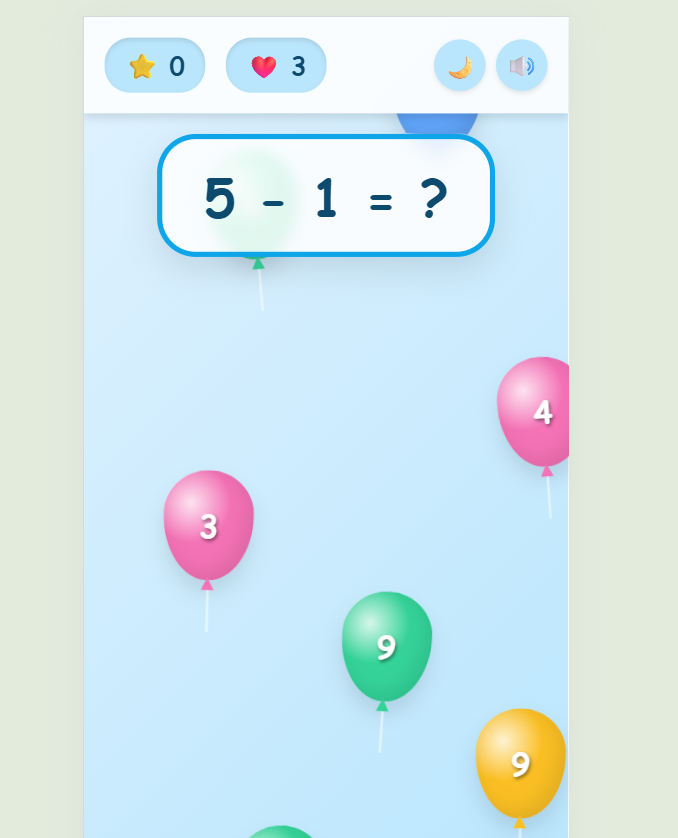
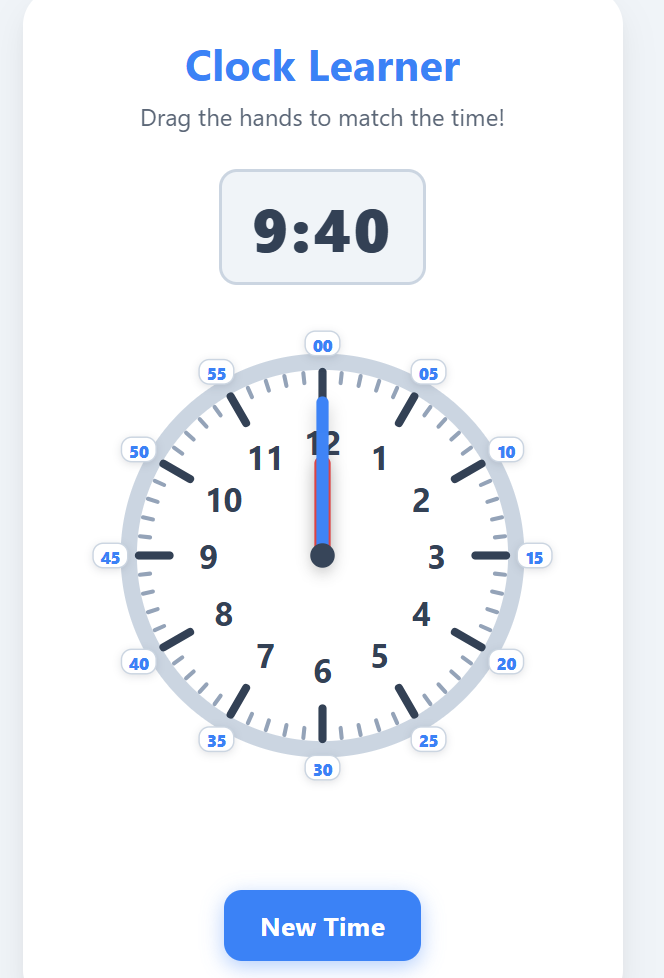
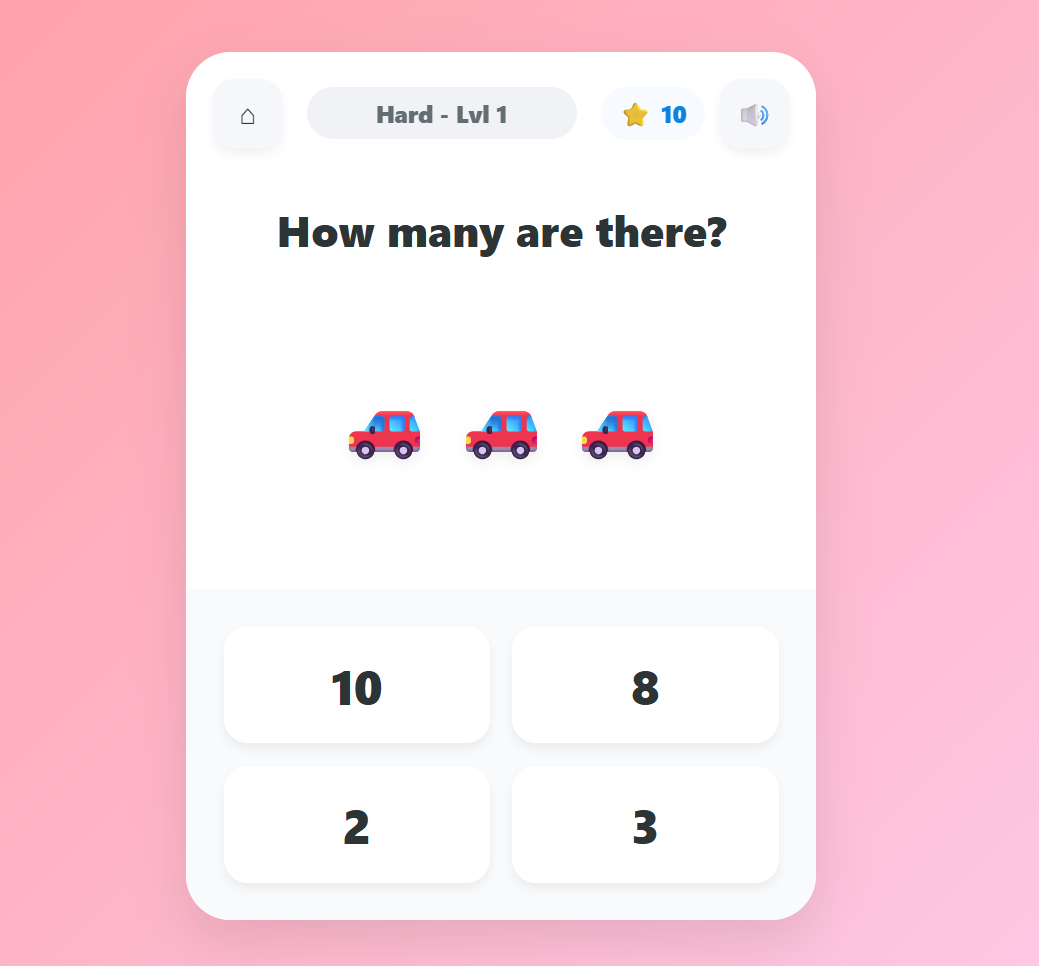
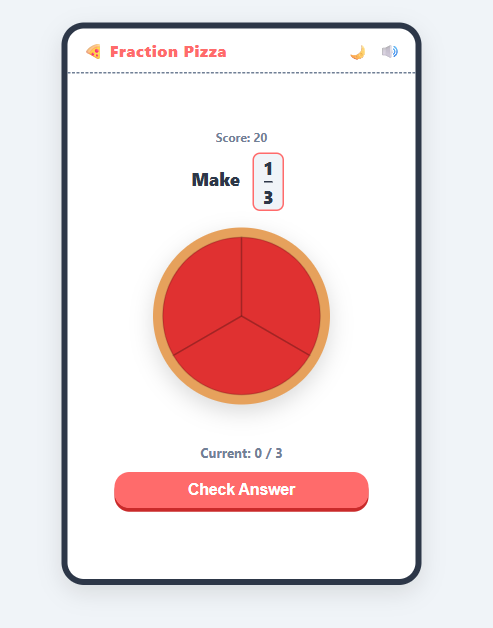
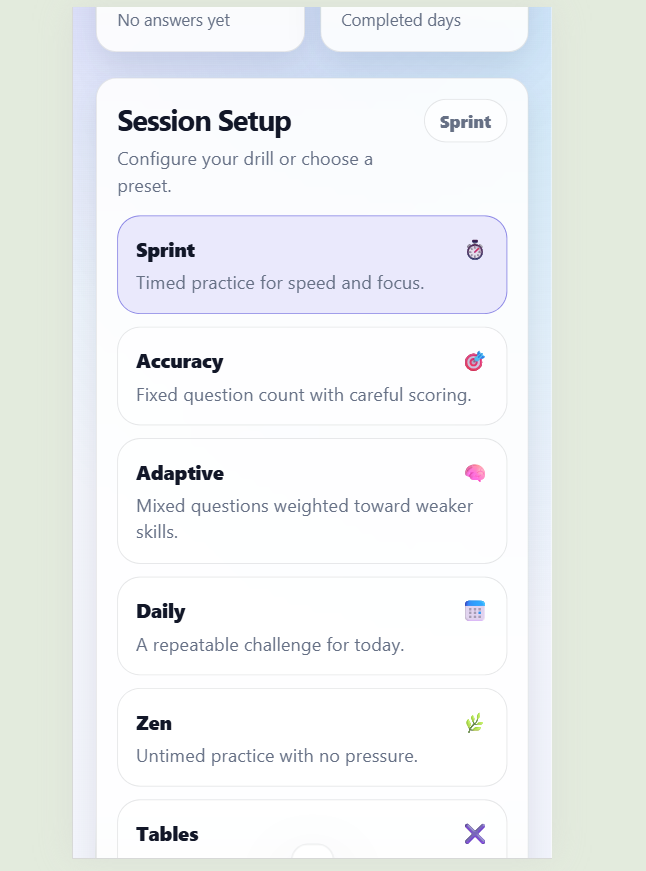
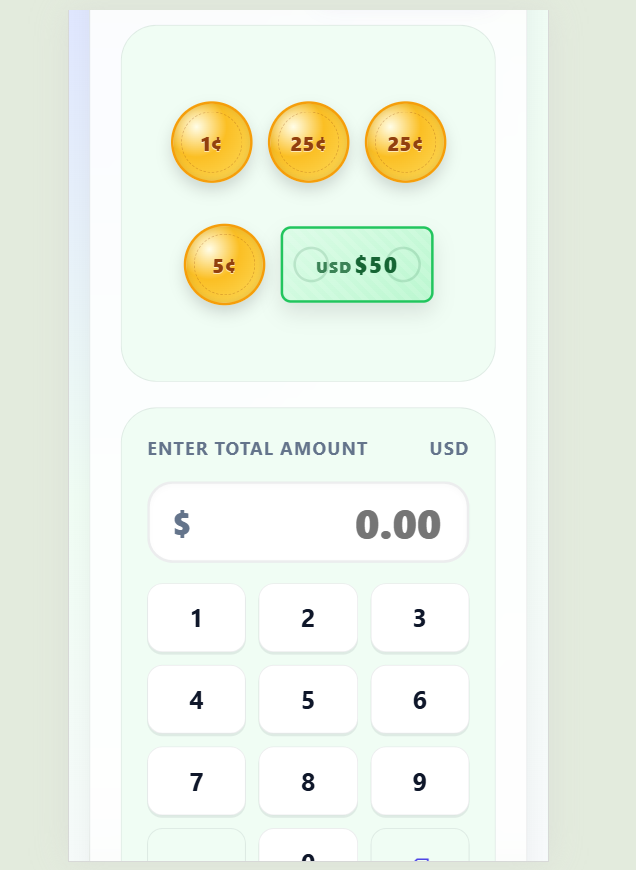
- Math skills: Use Counting Adventure, Math Pop, Mental Math Trainer, Fraction Pizza, Clock Learner, or Money Mission for numbers, operations, time, fractions, and real-life math.
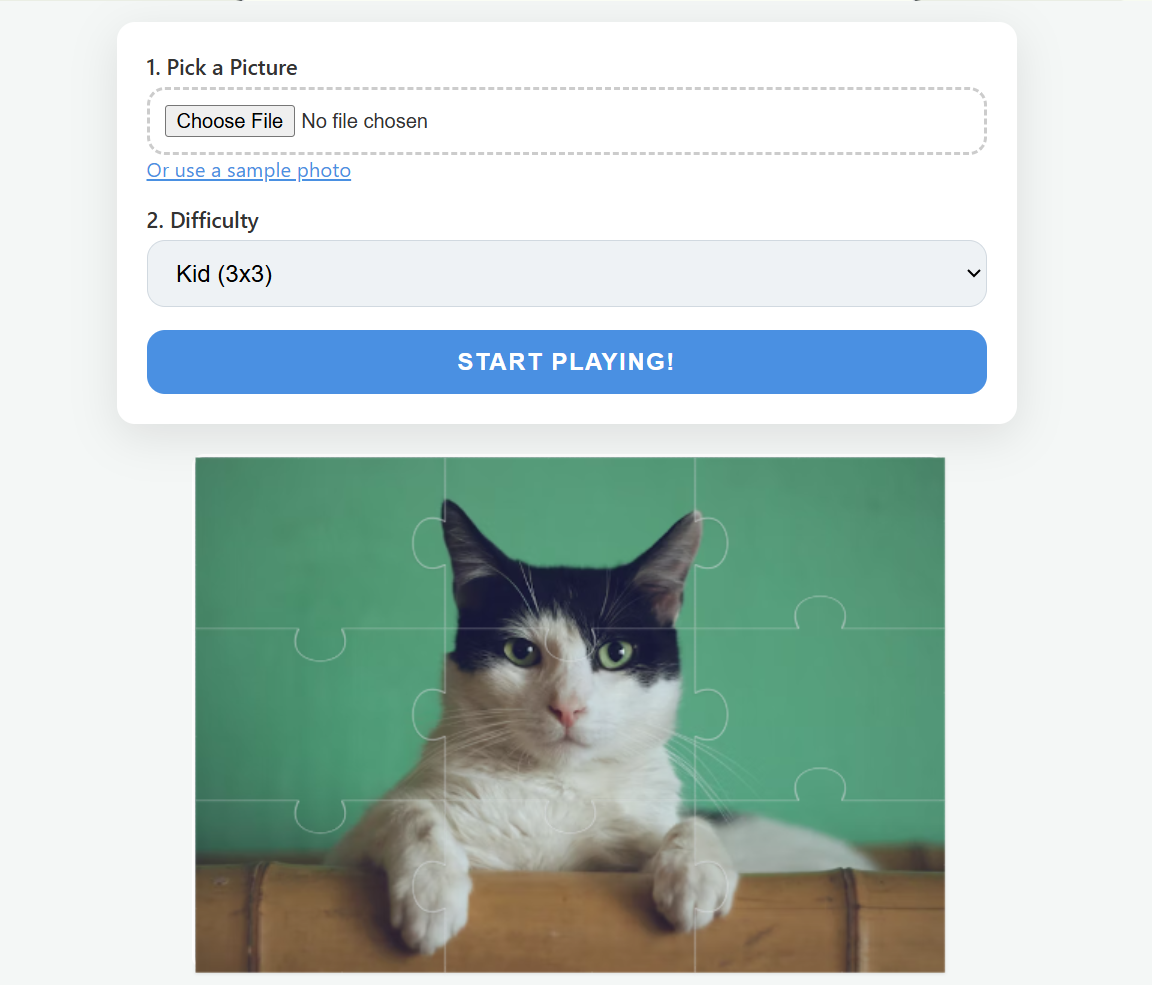
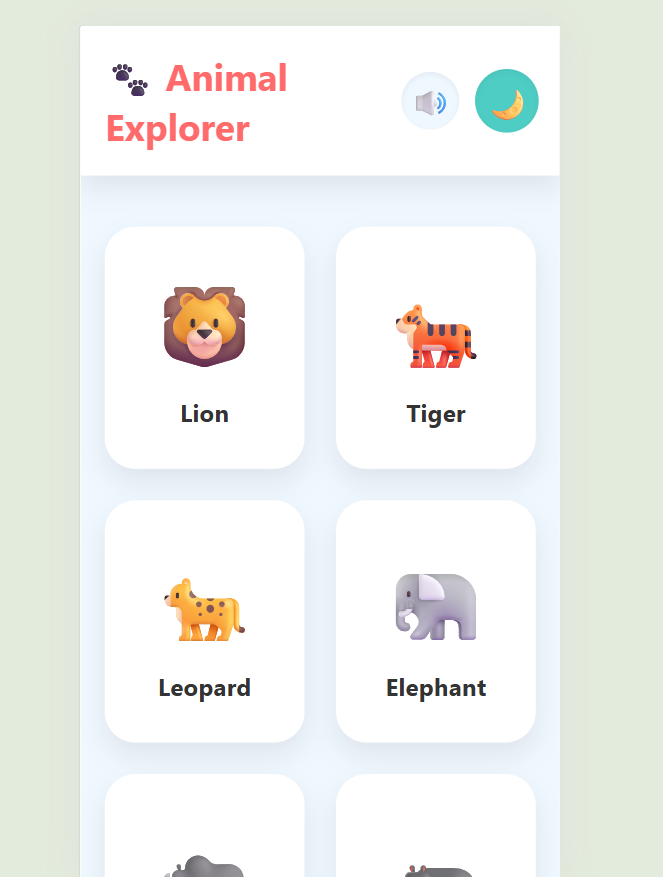
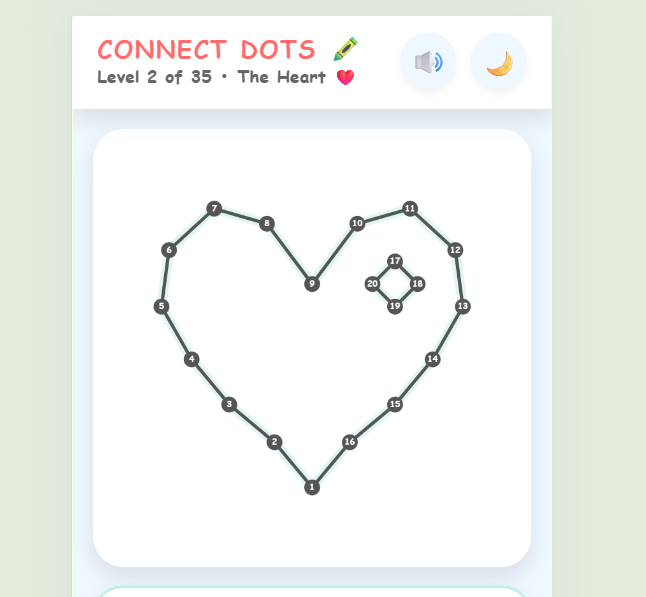
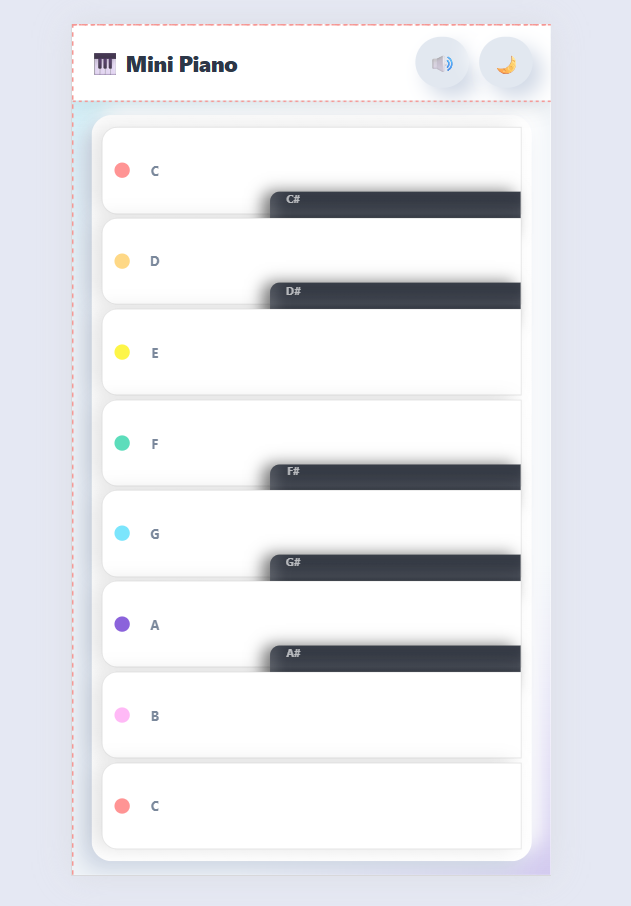
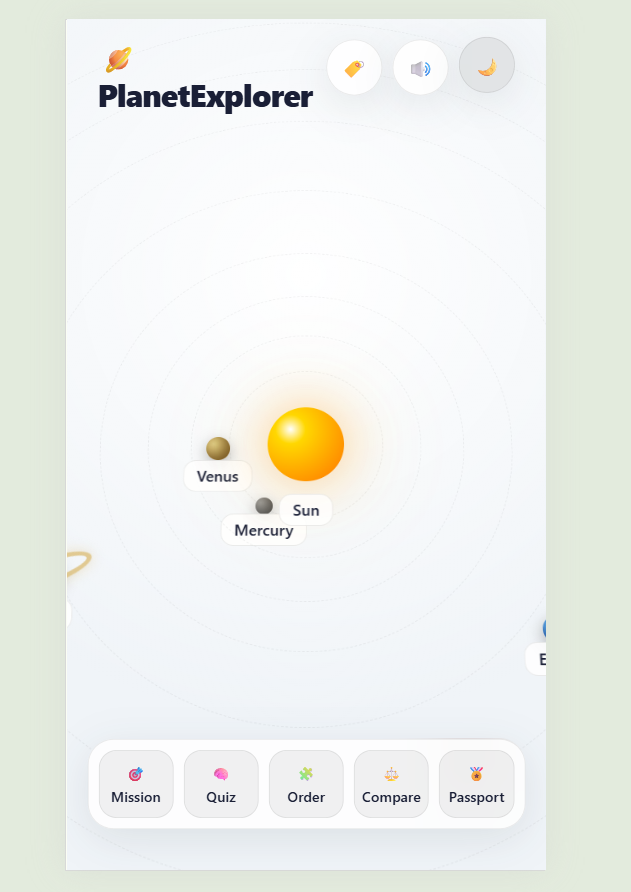
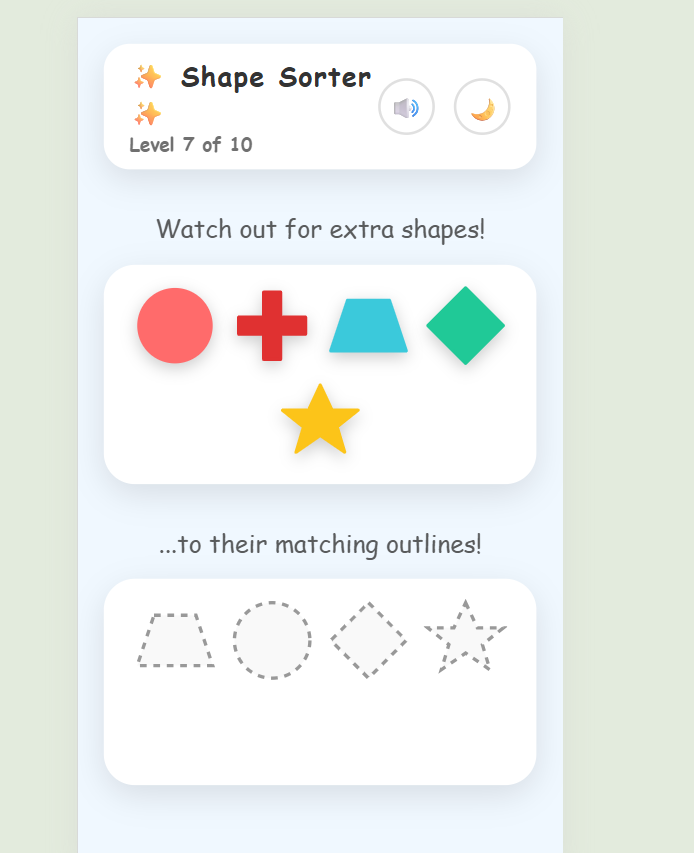
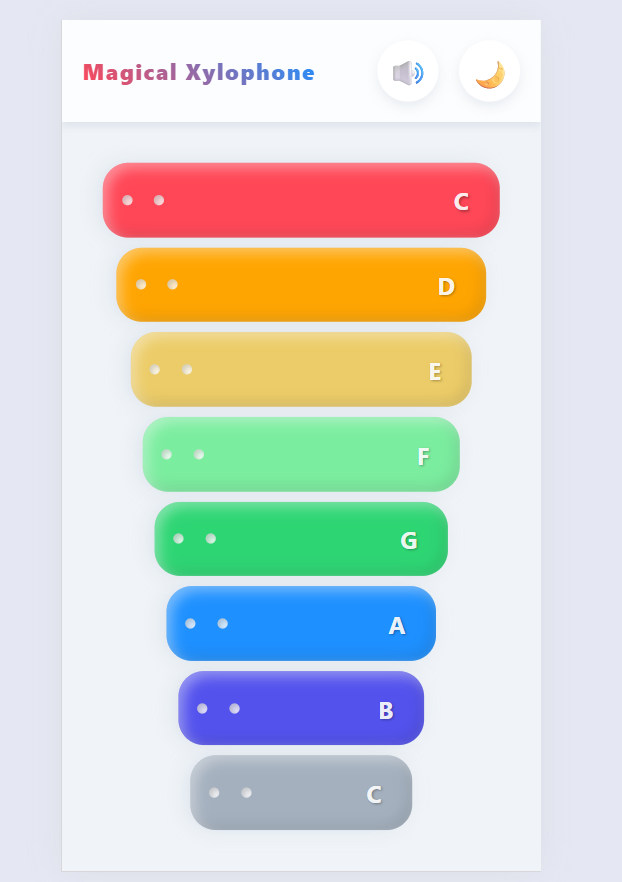
- Exploration and play: Use Animal Explorer, Planet Clicker, Photo Puzzle, Connect Dots, Shape Sorter, Mini Piano, or Xylophone for discovery, creativity, and problem-solving.
Practical Ways to Use These Tools
Parents, teachers, tutors, and homeschool families can use these apps in short, focused learning moments. A child might practice letters before reading time, complete a quick math game after homework, explore animal facts during a science lesson, or play a music activity as a creative break.
- Morning warm-up: Start with counting, alphabet sounds, spelling, or a quick mental math drill.
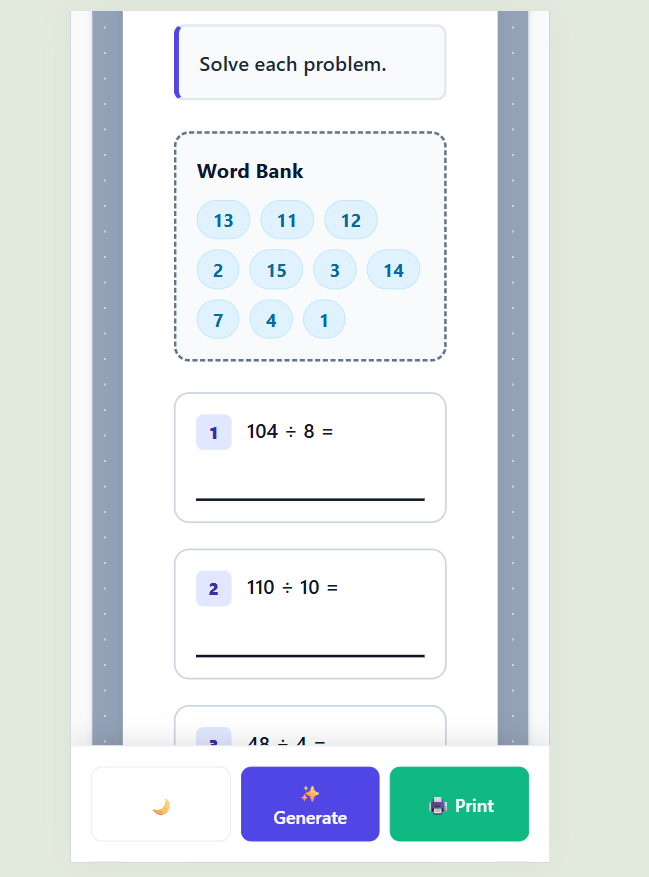
- Lesson support: Use Classroom Worksheet to prepare printable practice, then pair it with a related game such as Fraction Pizza, Clock Learner, or Little Reading Buddy.
- Independent practice: Let kids use puzzles, spelling games, reading tools, or math challenges at their own pace.
- Reward activity: Offer Mini Piano, Xylophone, Photo Puzzle, Connect Dots, or Planet Clicker as a fun learning break.
Kid-Friendly Practice With Simple Controls
Many tools include touch-friendly controls, visual feedback, sounds, light and dark modes, progress features, hints, quizzes, or printable options. This makes the category useful for different ages, learning goals, and attention spans.
For best results, choose one clear skill at a time, keep sessions short, and encourage children as they try, repeat, and improve.
Frequently Asked Questions
What can kids learn in the For Kids category?
Kids can practice alphabet letters, handwriting, reading, spelling, vocabulary, counting, addition, subtraction, fractions, telling time, money skills, shapes, puzzles, music, animals, and space facts.
Are these apps suitable for preschool and elementary students?
Yes. Some apps support early learners with letters, counting, shapes, and simple puzzles, while others help older children practice reading, spelling, mental math, fractions, time, money, and vocabulary.
Do the For Kids apps need to be installed?
No. The apps are browser-based, so kids can open them online and start practicing without downloading separate software.
Which apps are best for reading and spelling practice?
Little Reading Buddy helps with read-aloud stories, word highlighting, and comprehension practice. Spelling Board and Spelling Bee & Vocabulary Challenge help kids build spelling, vocabulary, listening, and word-building skills.
Which apps are best for math practice?
Counting Adventure supports early counting, Math Pop helps with addition and subtraction, Fraction Pizza teaches visual fractions, Mental Math Trainer builds speed and accuracy, Clock Learner practices time, and Money Mission teaches coins, bills, change, and budgets.
Can parents, teachers, or homeschool families use these tools?
Yes. These apps can be used for home practice, classroom centers, tutoring, homeschool lessons, printable worksheets, quick warm-ups, review activities, or fun learning breaks.