Browser Tools for Everyday Workflows
The Tools category helps users complete practical tasks directly in the browser, from editing PDFs and images to creating invoices, checking SEO, testing APIs, comparing code, and preparing content assets. These apps are useful for small business owners, developers, creators, students, teachers, and anyone who needs fast utilities without a complicated setup.
How to Choose the Right Tool
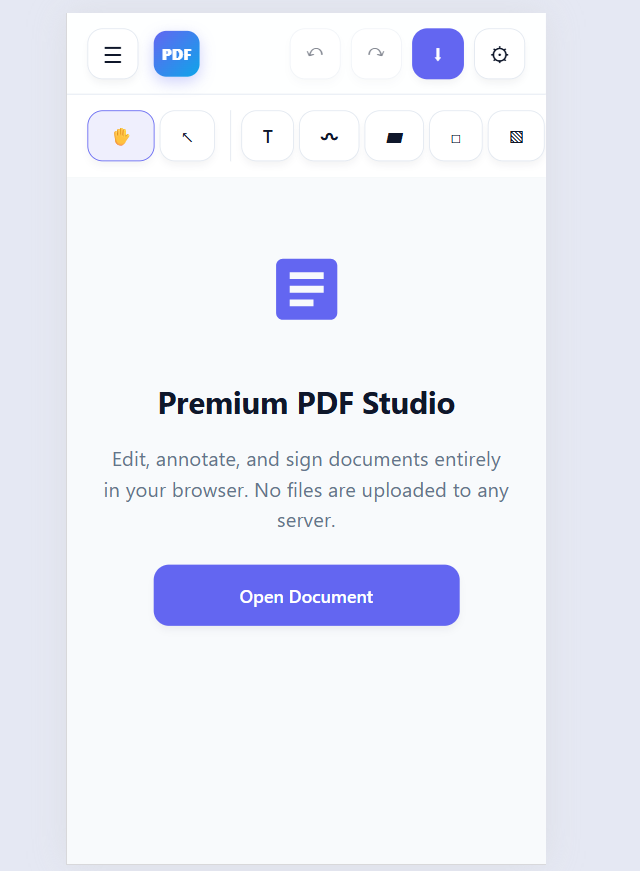
- Use PDF Studio when you need to edit, sign, merge, split, annotate, rotate, or watermark PDF files.
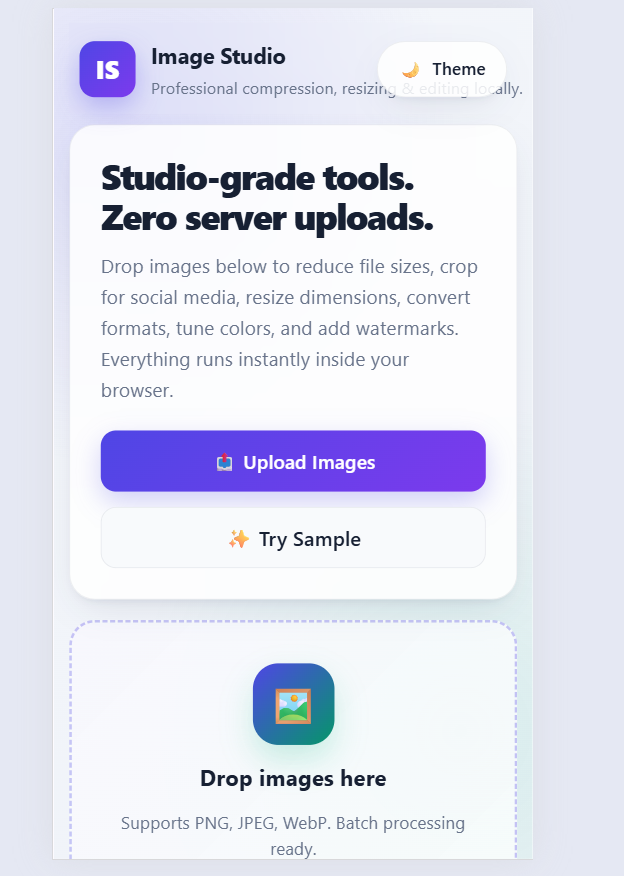
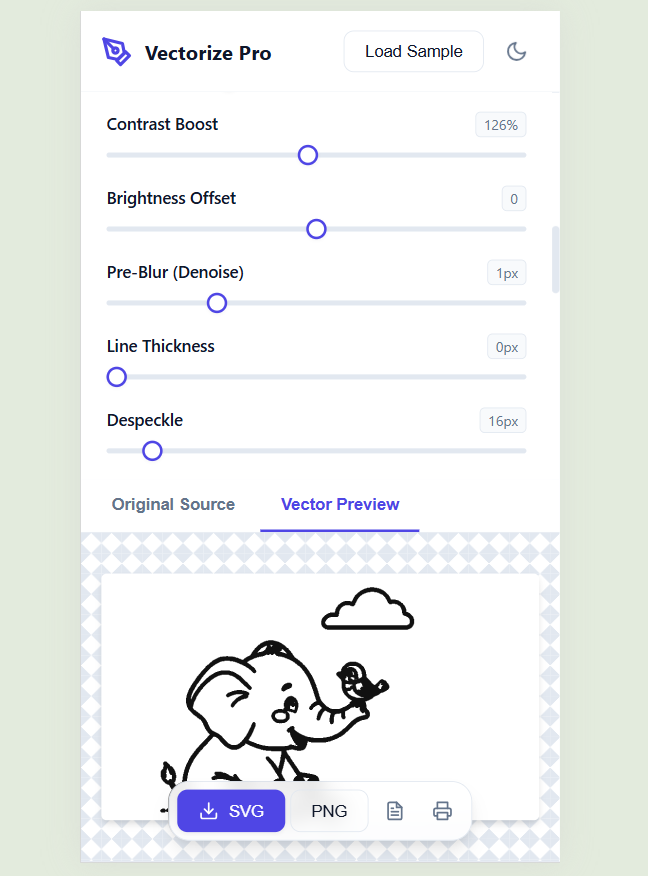
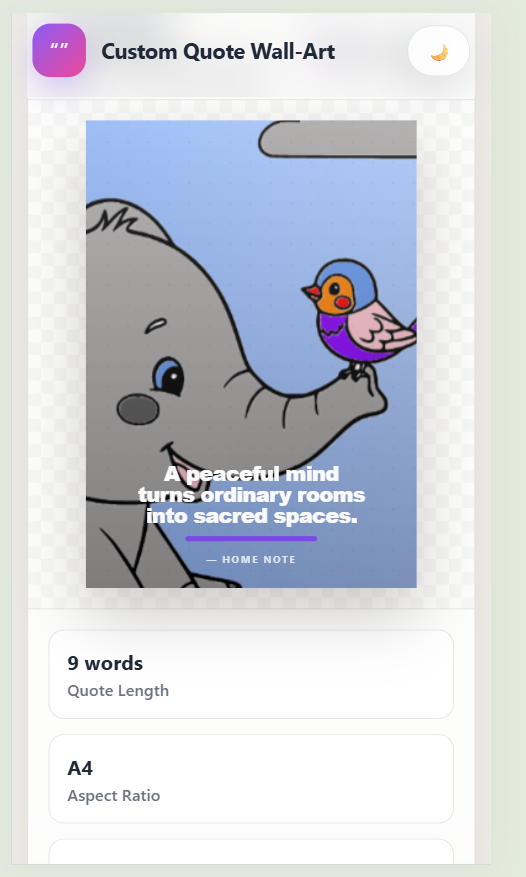
- Use Image Studio, SVG Maker, Thumbnail Maker, or Wall Art Generator for visual design, image cleanup, printable art, and content graphics.
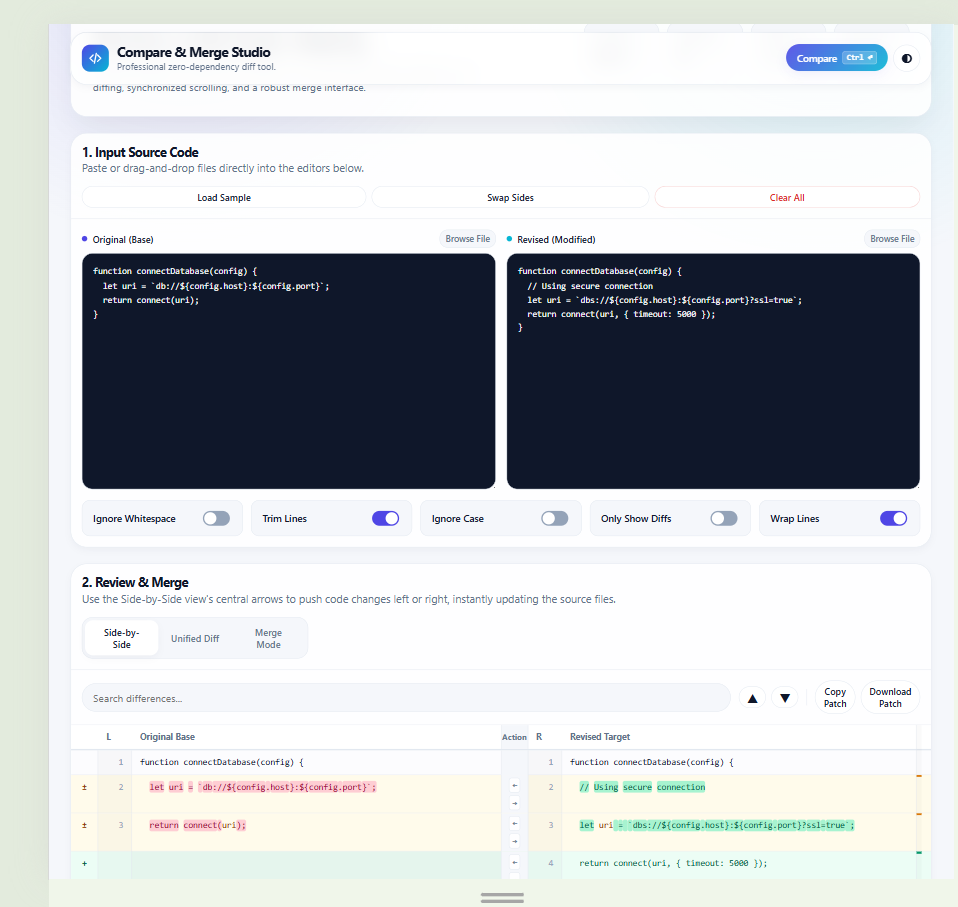
- Use API Bulk Runner, Code Compare and Merge, or Excel SQL Explorer for technical, data, and development workflows.
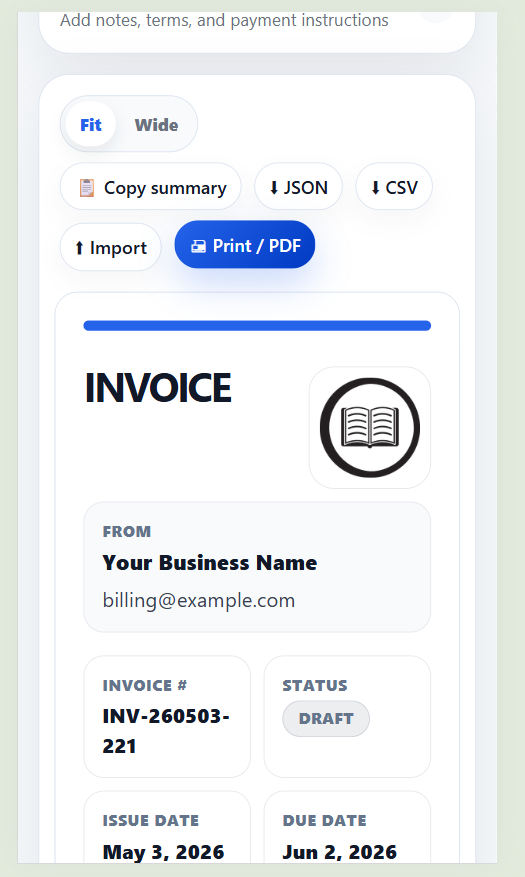
- Use Invoice Generator, SEO Checker, or TTS Audio Generator for business, website, and audio content tasks.
Practical Use Cases
- Create a branded invoice, save it locally, and print it as a PDF for a client or freelance project.
- Compress images, resize graphics, add watermarks, and prepare thumbnails for websites, blogs, YouTube, TikTok, or social posts.
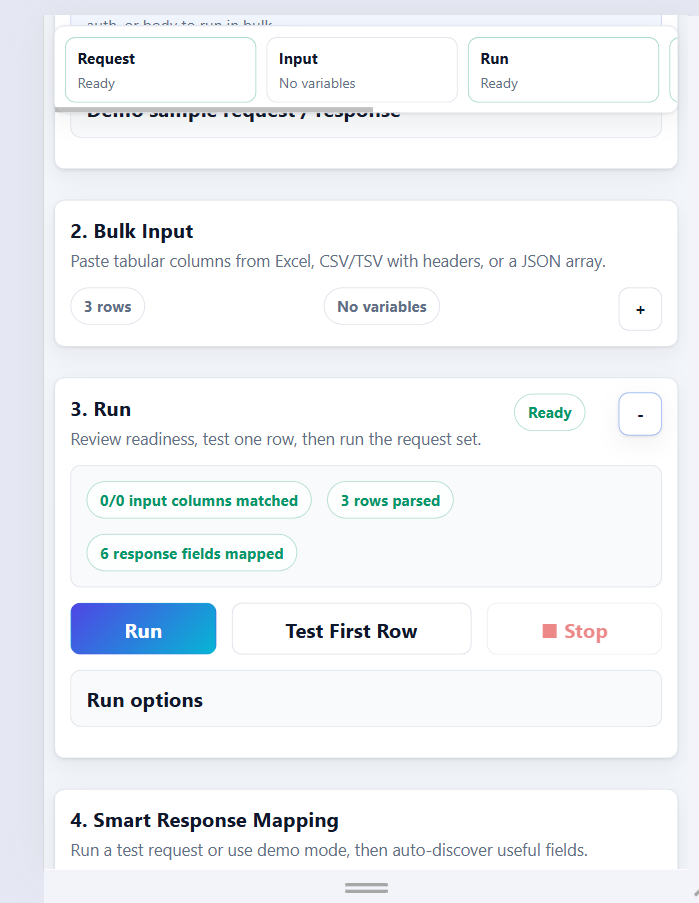
- Run bulk API tests using tabular input, map JSON responses into result tables, and export the output for review.
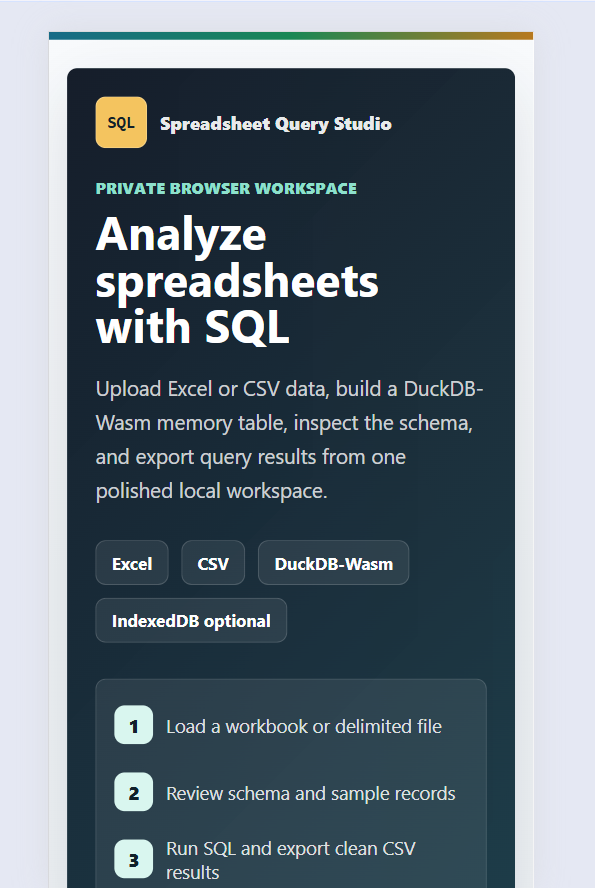
- Upload Excel or CSV files, query them with SQL, preview results, and export filtered data without setting up a database.
- Check a public web page for SEO metadata, technical signals, accessibility basics, security headers, and content improvements.
Designed for Simple, Private Tasks
Many tools in this category focus on quick browser-based workflows and local file handling where possible. That makes them helpful for users who want to complete small but important tasks without installing heavy software, switching between multiple apps, or uploading files unnecessarily. Start with the app that matches your file type or goal, then export your finished result as PDF, PNG, CSV, JSON, SVG, patch, or audio depending on the tool.
Frequently Asked Questions
What can I do with the Tools category on ReaderNook Lab?
The Tools category includes browser-based apps for PDFs, images, invoices, APIs, code comparison, spreadsheets, SEO checks, thumbnails, text-to-speech audio, SVG conversion, and printable wall art.
Are these tools useful for both technical and non-technical users?
Yes. Developers can use tools like API Bulk Runner, Code Compare and Merge, and Excel SQL Explorer, while creators, freelancers, and everyday users can use tools for PDFs, images, invoices, thumbnails, audio, and printable designs.
Do the file-based tools upload my files to a server?
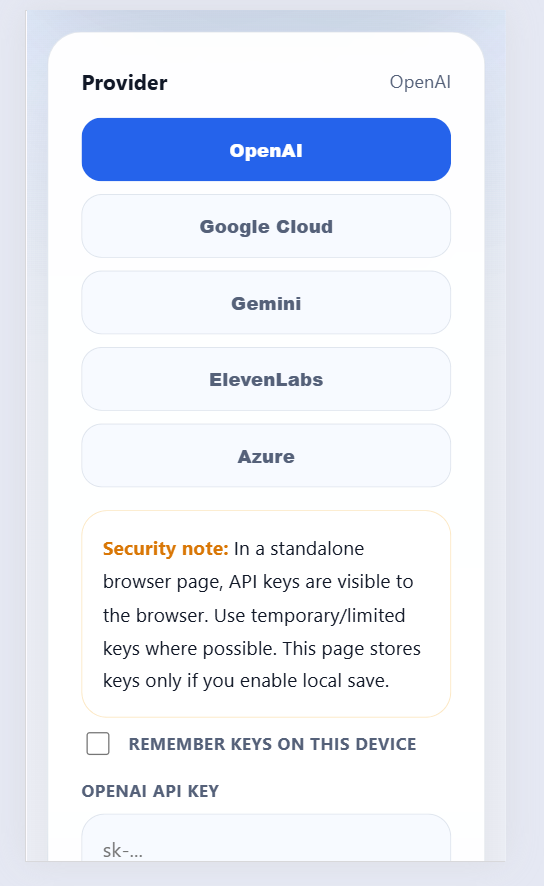
Many tools are designed for private browser-based workflows where files stay local when possible, such as PDF editing, image processing, code comparison, and spreadsheet exploration. Tools that use external AI or speech services may require your own API key and may send text to that provider.
Which tool should I use for editing documents and images?
Use PDF Studio for PDF tasks like signing, merging, splitting, annotating, rotating, and watermarking. Use Image Studio for compressing, resizing, cropping, converting, watermarking, and optimizing images.
Which tools help with websites, content, and marketing?
SEO Checker helps review page metadata, technical SEO, accessibility basics, and security headers. Thumbnail Maker helps create video and social media thumbnails, while TTS Audio Generator, SVG Maker, and Wall Art Generator help create audio, graphics, and printable design assets.
Can I export results from these tools?
Yes. Depending on the app, you can export results as formats such as PDF, PNG, CSV, JSON, SVG, patch files, or downloadable audio. This makes it easier to save, share, print, or continue working with your finished output.